gztools
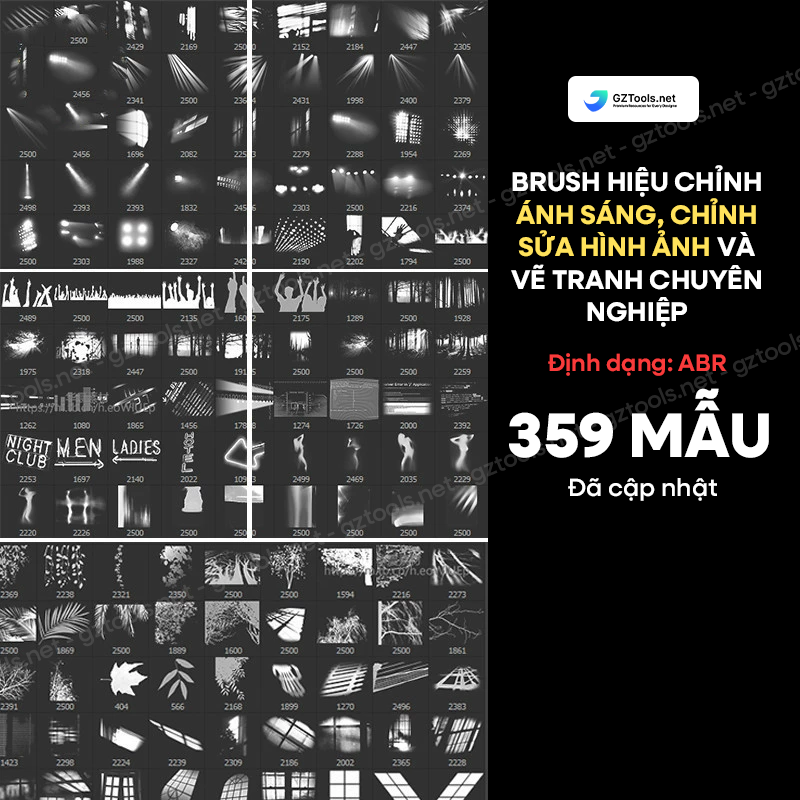
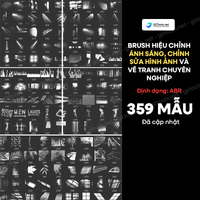
359 ABR Light Adjustment & Image Enhancement Brushes for Photoshop
or 4 interest-free payments of $1.00 with

359 ABR Light Adjustment & Image Enhancement Brushes for Photoshop Important Notice for Buyers Skill Level Required:** To effecti...
Read full description ->359 ABR Light Adjustment & Image Enhancement Brushes for Photoshop
Important Notice for Buyers
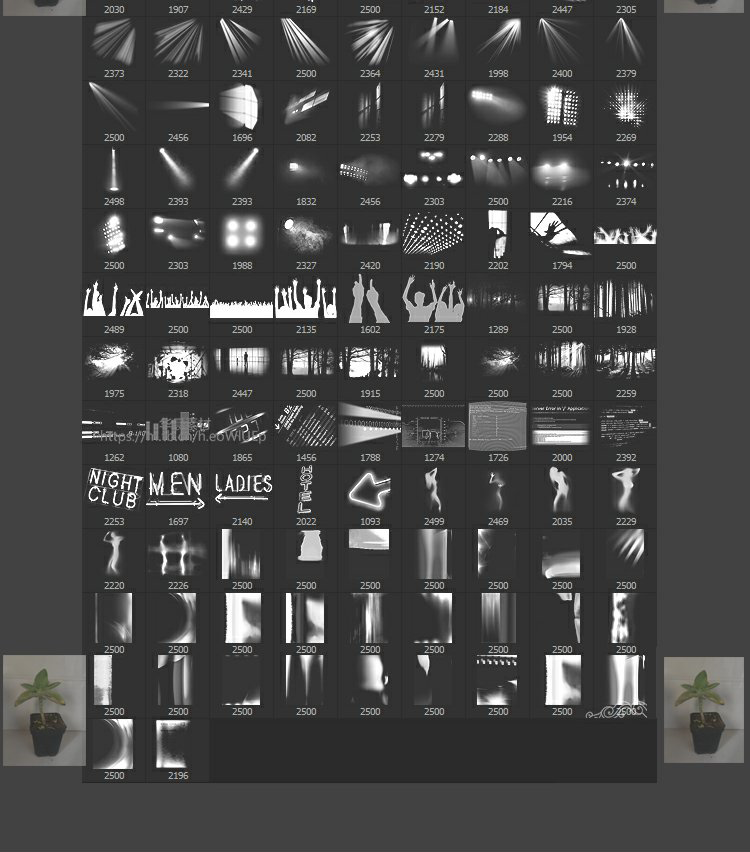
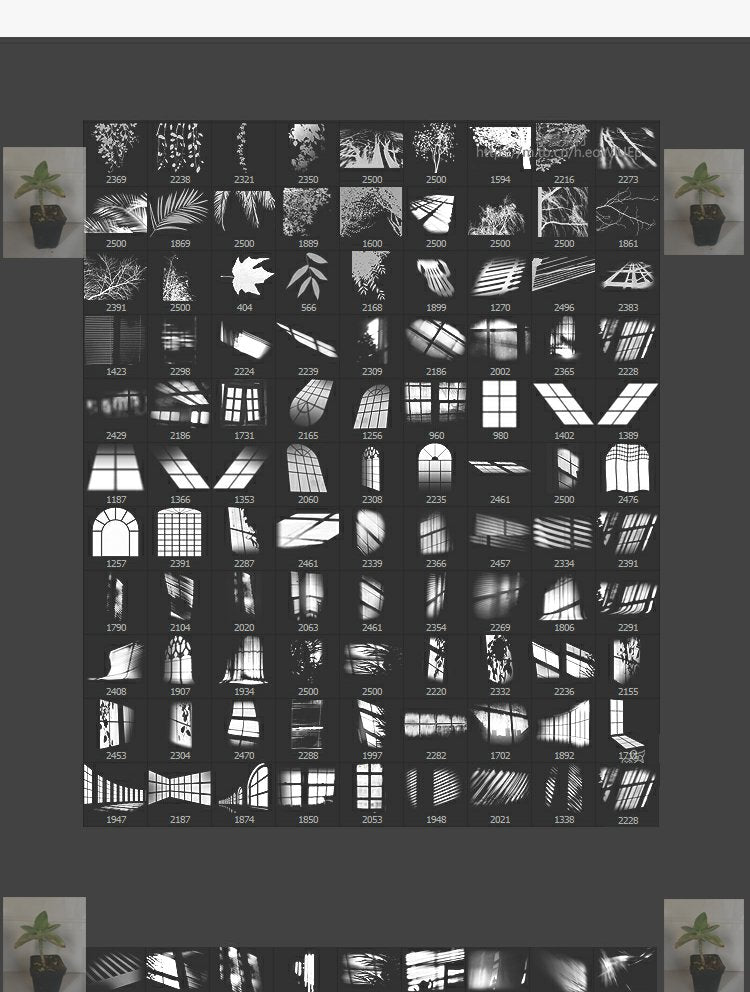
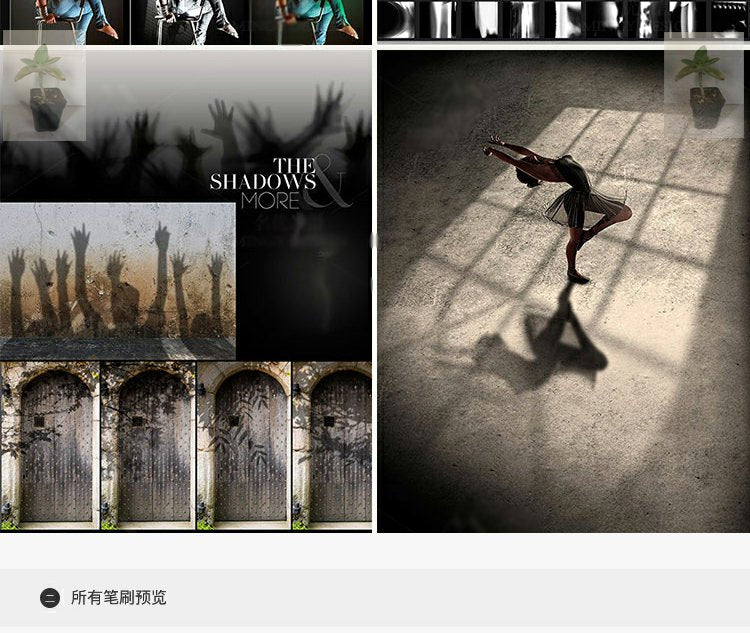
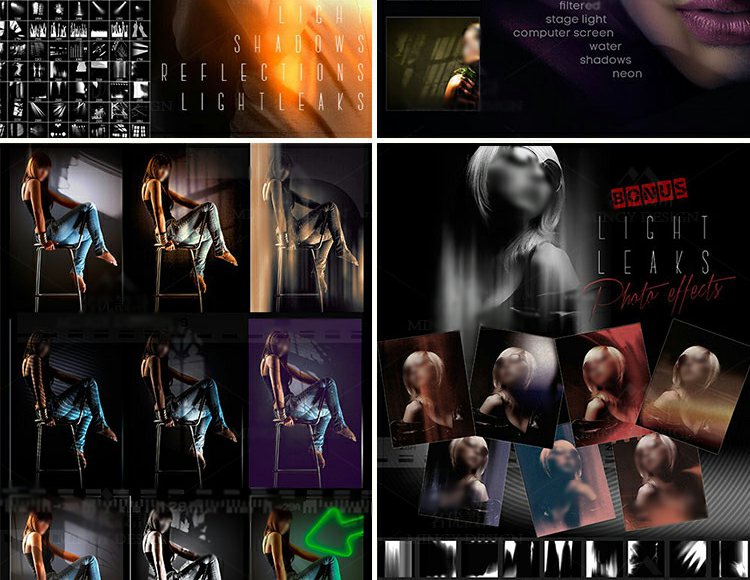
Skill Level Required:** To effectively use Photoshop brushes, you need basic Photoshop knowledge [web:32]. Having some art fundamentals will make the process much easier! This product is **not recommended** for complete beginners or those unfamiliar with brush tools [web:30].
**How to Import Brushes into Photoshop:
1. Download and extract the brush files
2. Open Photoshop
3. Select the Brush Tool (B)
4. Click the Brush Preset panel
5. Click the settings menu → Import Brushes
6. Locate and select the .ABR file
7. Brushes will appear in your brush library
Introduction to Professional Photoshop Brushes
Photoshop brushes were originally created for digital painting [web:32]. With continuous development of Photoshop and increasing user demand for personalization, a diverse range of brush shapes and styles have emerged [web:31].
Photoshop brushes vary widely in complexity, from simple to intricate designs [web:27]. But regardless of type, every brush serves a specific purpose [web:30]. The stunning effects you see in large-scale advertising posters are masterpieces created by combining brushes with the user's technical skills and experience [web:27][web:31].
The Complete Creative Process:
The entire workflow involves using brushes for coloring, editing, transforming, blending, and various adjustment techniques that merge together to create unique and exceptional artwork [web:30]. **These are not one-click effect brushes** - they require skill, practice, and artistic judgment to achieve professional results [web:32].
About This 359 Light Adjustment Brush Collection
This comprehensive brush set is specifically engineered for photographers and graphic designers who need professional lighting effects and image enhancement tools [web:27]. All 359 brushes are developed for quality, performance, and frequent project usage [web:31].
Key Applications:
- Photo retouching and lighting adjustments [web:27]
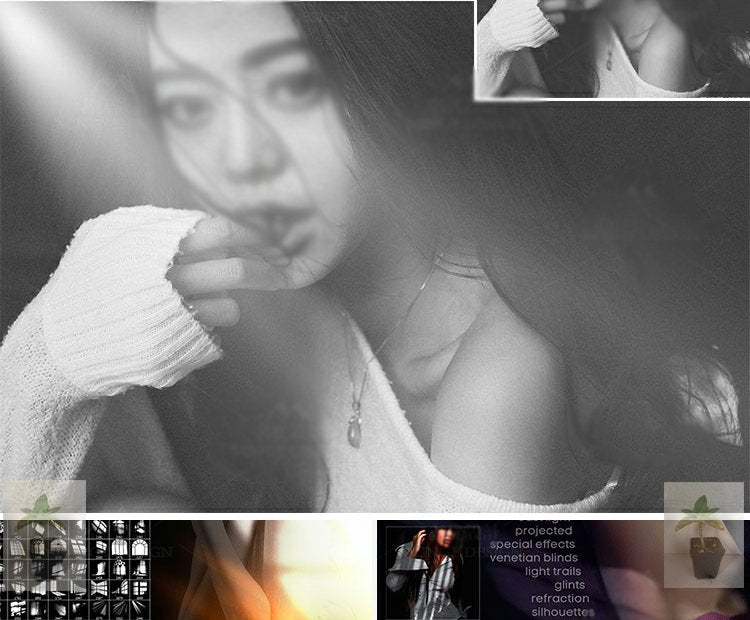
- Adding realistic light effects to digital artwork [web:31]
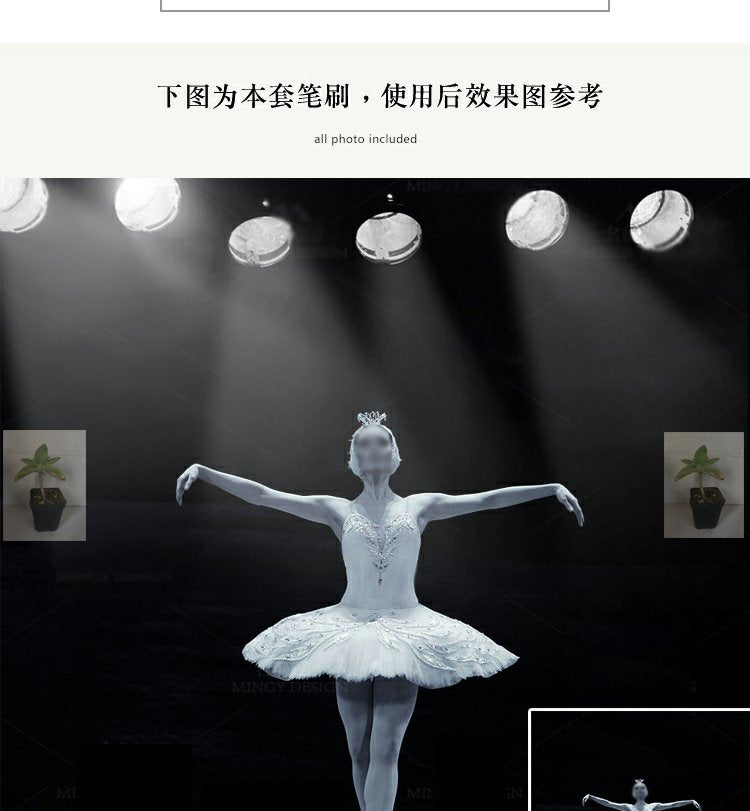
- Creating dramatic lighting in composite images [web:30]
- Enhancing mood and atmosphere in designs
- Professional photography post-processing [web:27]
- Graphic design projects requiring light effects [web:31]
What Makes These Brushes Special:
Unlike simple stamp brushes, these light adjustment tools are designed to blend naturally with your images when used with proper technique [web:30]. They work best when combined with:
- Layer blending modes for realistic integration [web:30]
- Opacity adjustments for subtle effects
- Multiple brush strokes for layered lighting [web:27]
- Color adjustments to match ambient light
- Artistic judgment and experience [web:32]
Perfect For
- Professional photographers doing post-production [web:27]
- Graphic designers creating advertising materials [web:31]
- Digital artists working on concept art
- Photo retouchers enhancing portraits and products
- Designers creating dramatic visual effects [web:27]
- Content creators needing professional lighting [web:31]
Not Suitable For:
- Complete beginners without Photoshop basics [web:32]
- Users expecting automatic one-click effects
- Those unfamiliar with layer blending and adjustment techniques [web:30]
Technical Details
What You Get:
- 359 professional light adjustment brushes
- High-quality .ABR format [web:27]
- Engineered for performance and quality [web:31]
- Developed for frequent professional use [web:27]
System Requirements:
- Adobe Photoshop CS6 or higher [web:32]
- Basic to intermediate Photoshop knowledge required
- Graphics tablet recommended for best results [web:31]
- Understanding of layer blending modes helpful [web:30]
Important Reminder
Skill Development Required:
These brushes are professional-grade tools that deliver exceptional results in skilled hands [web:27][web:31]. Success depends on:
- Your understanding of light and shadow principles
- Familiarity with Photoshop's layer system [web:30]
- Practice with brush settings and opacity control [web:32]
- Experience combining multiple techniques [web:31]
Beautiful effects in professional posters are achieved through the combination of quality brushes, technical knowledge, and artistic experience working together [web:27]. Mastering these tools takes practice, but the results are worth the effort [web:31][web:32].
---
**File Format:** .ABR (Adobe Brush)
**Brush Count:** 359 professional brushes
**Compatible with:** Adobe Photoshop CS6 and newer
**Category:** Light effects, image adjustment, photo enhancement
**Recommended Skill Level:** Intermediate to Advanced
**License:** Personal and commercial use
Complete Your Look
Frequently Bought Together
Bundle and save!
359 ABR Light Adjustment & Image Enha...
$4.00
30-day money-back guarantee
Customer Reviews
See what our customers are saying
No reviews yet
Be the first to review this product!
You May Also Like